GitHub profile README examples & templates
Real profile cards made with GitHubCard, the templates behind them, and Markdown you can paste into your README today.
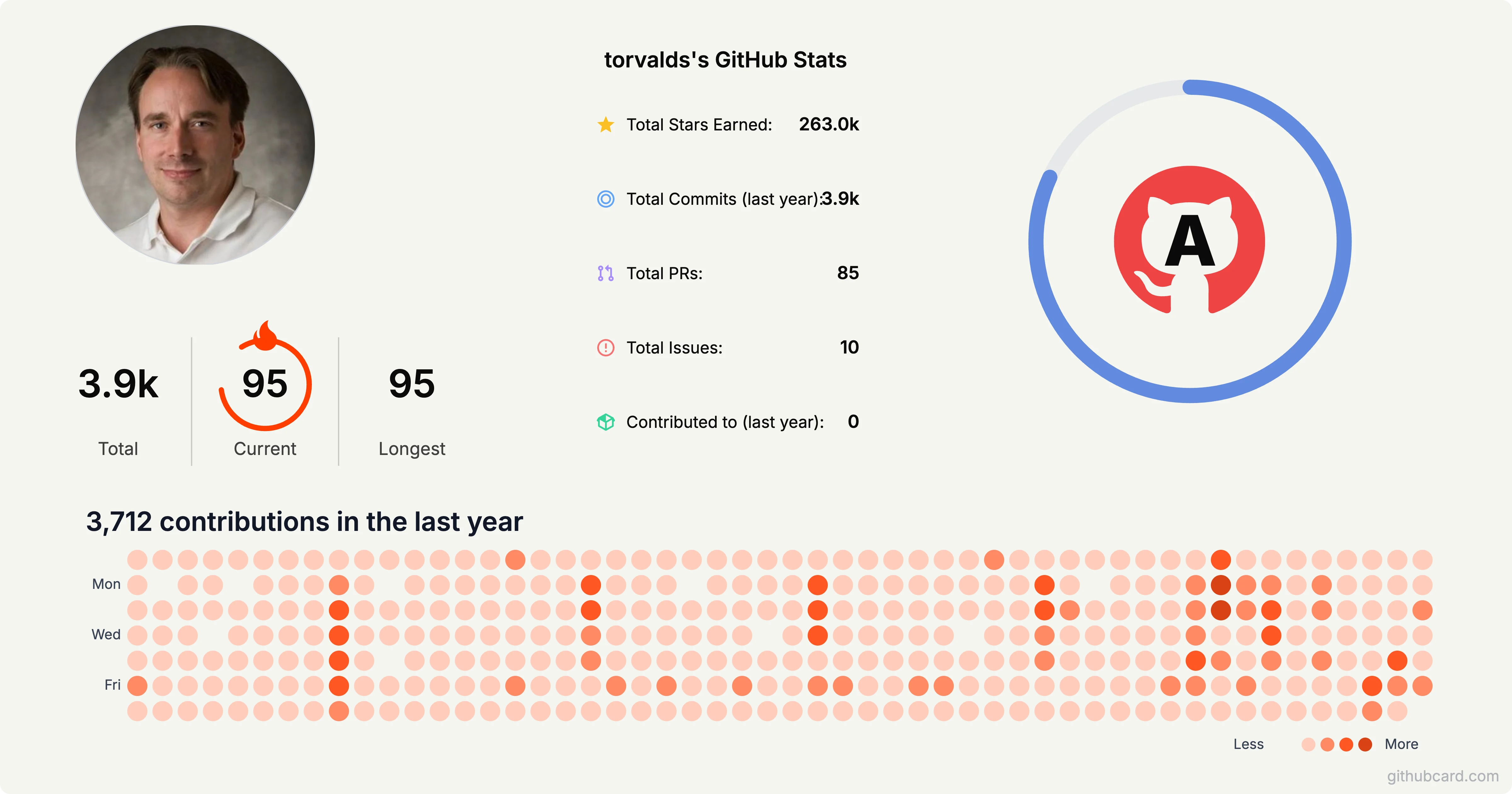
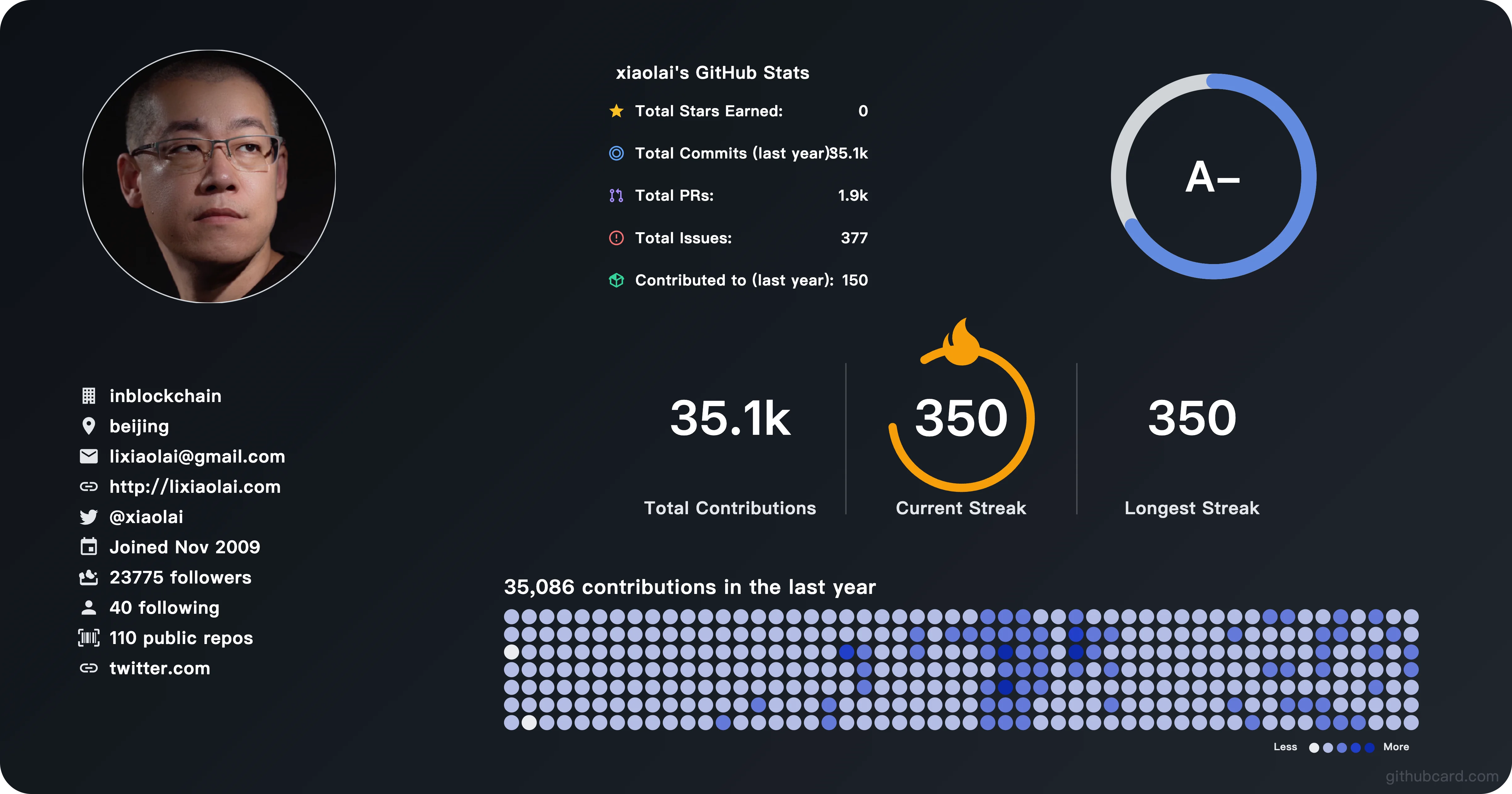
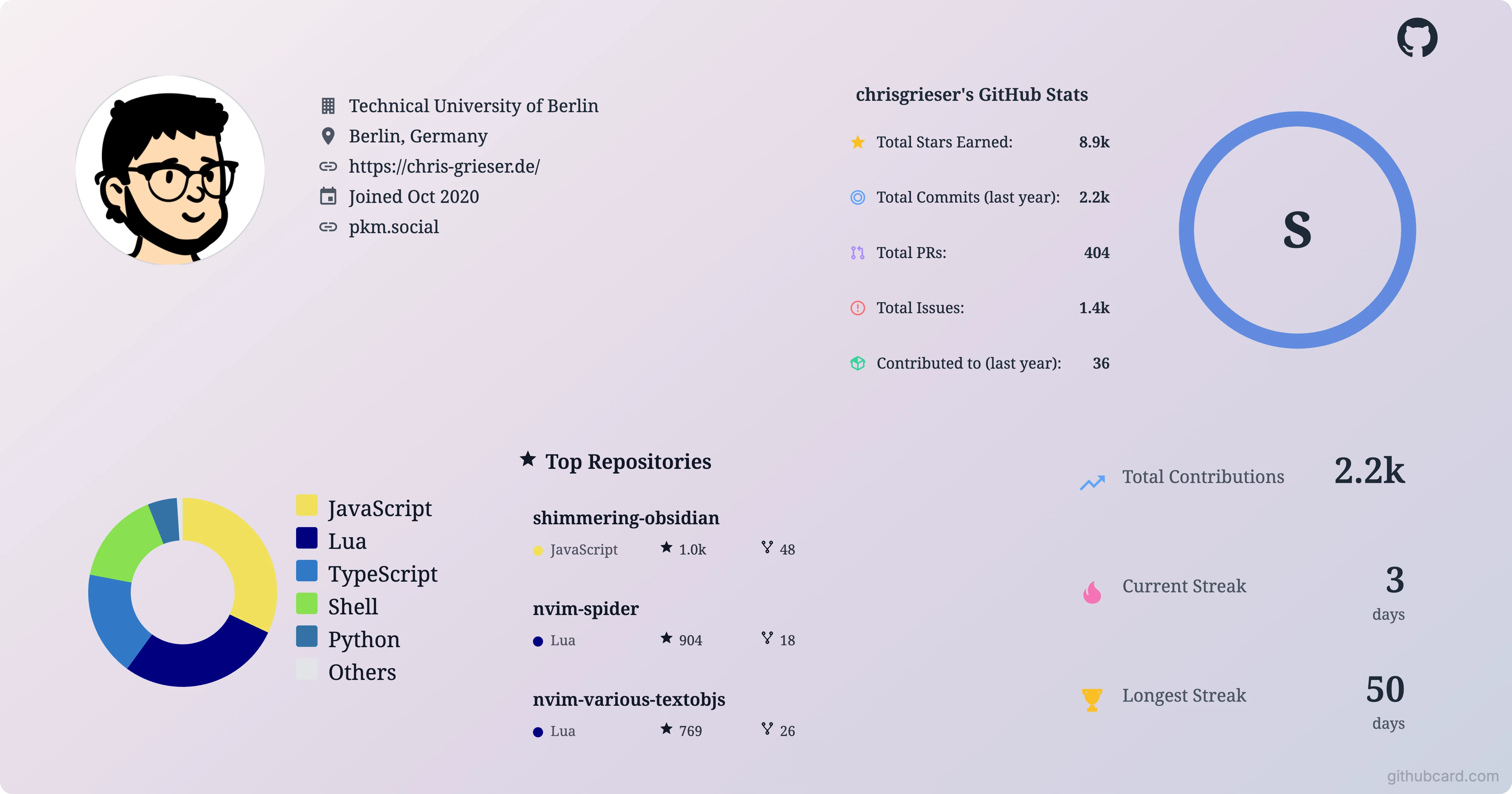
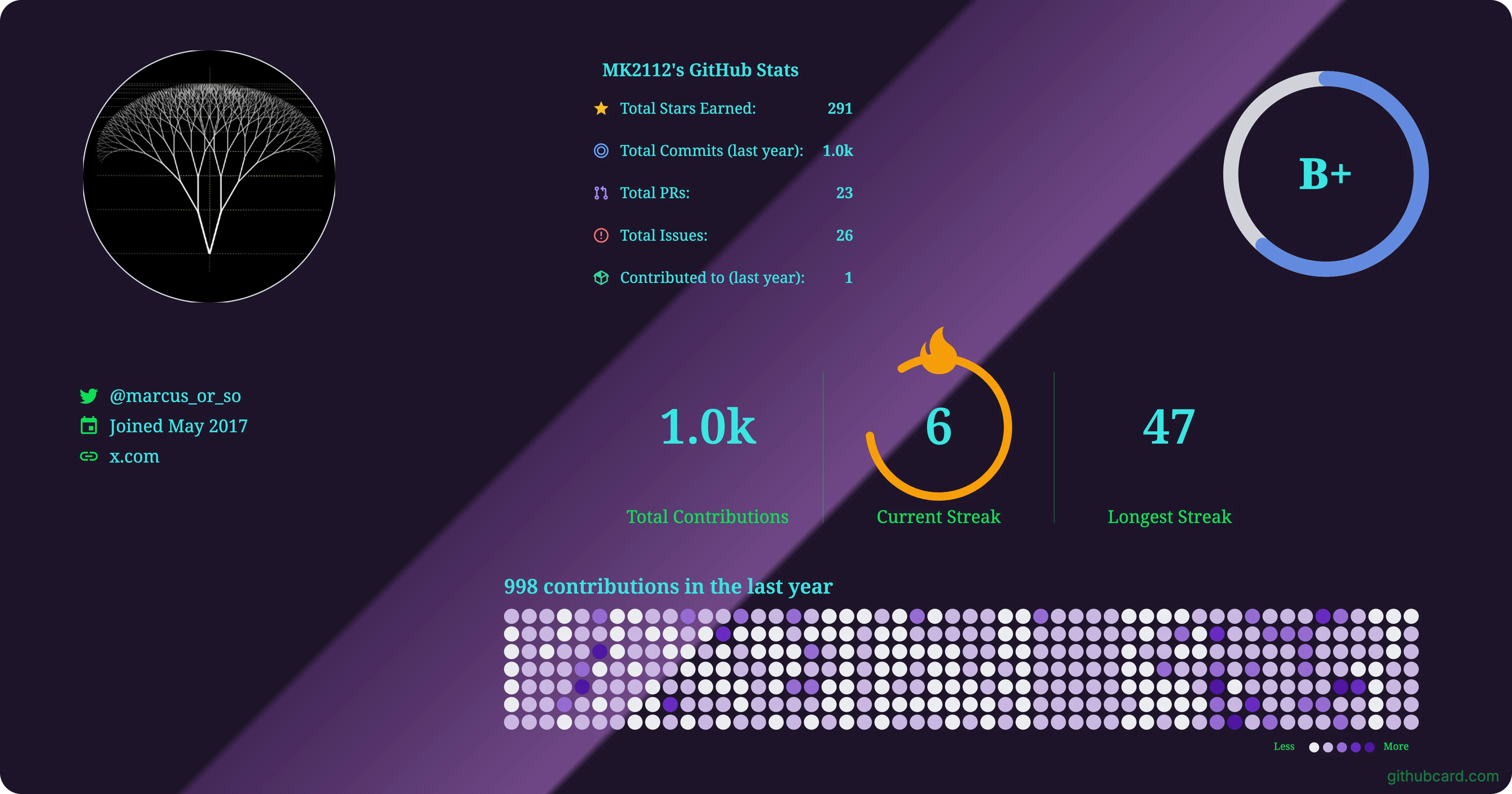
Profile cards from real developers.
Each card below was exported from GitHubCard with live GitHub data. Free exports keep the small githubcard.com watermark.
Start from a template, not a blank page.
These layouts are available in the profile card editor's template carousel. Pick one, then rearrange widgets on the canvas.
Minimal
FreeStats focused layout with languages and contribution streak
800×400
Compact
FreeStacked layout with comprehensive stats and languages
600×300
Detailed
FreeComprehensive view with languages and top repos
1200×900
OG Standard
FreeOpen Graph standard image (1200×630, 1.91:1)
1200×630
Wide Banner
FreeHorizontal layout with language chart
1400×500
Comprehensive
FreeFull stats with heatmap and top repos
1000×1000
Language Focus
FreeShowcase your programming languages
900×600
Activity Tracker
FreeContribution heatmap with stats and activity graph
1100×600
GitHub Banner
FreeGitHub-style banner (3.5:1 ratio)
700×200
GitHub Compact
FreeCompact GitHub profile (1.7:1 ratio)
340×200
HD Desktop
FreeFull HD desktop wallpaper (16:9)
1920×1080
Standard HD
FreeStandard HD display (16:9)
1280×720
Large Square
FreeLarge square format for social media
1080×1080
Universal Portrait
FreePortrait 2:3 layout usable in both editors
800×1200
Terminal Session
FreeHacker-green monospace layout on a GitHub Dark gradient
1200×630
Neon Cyberpunk
FreeMagenta and electric-blue glow on near-black (1080×1080 square)
1080×1080
Neo-Brutalist
FreeStark cream, hard black type, one hot-orange accent
1200×630
Blueprint Schematic
FreeEngineering-drawing grid with cyan technical linework (1200×900)
1200×900
Git Diff
FreeAddition-green and deletion-red mood over GitHub Dark
1200×630
Holographic
FreeIridescent pastel sweep — a playful counterpoint to the dark set
1200×630
Synthwave Sunset
FreeRetro vertical sunset gradient for README headers
1400×500
Matrix Rain
FreeMatrix green on true black with a sparse falling-code texture
1200×630
Profile Instrument · Identity Ledger
FreeA fine-print developer identity record on warm electronic paper
1200×630
Profile Instrument · Impact Counter
FreeAn olive LCD readout focused on open-source reach
1200×630
Profile Instrument · Activity Recorder
FreeA continuous-form contribution record with 52 weeks of activity
1200×630
README snippets that just work.
Paste one of these into the README.md of the repository named after your username.
Live profile card
Default card with live GitHub data. Replace yourname with your username.
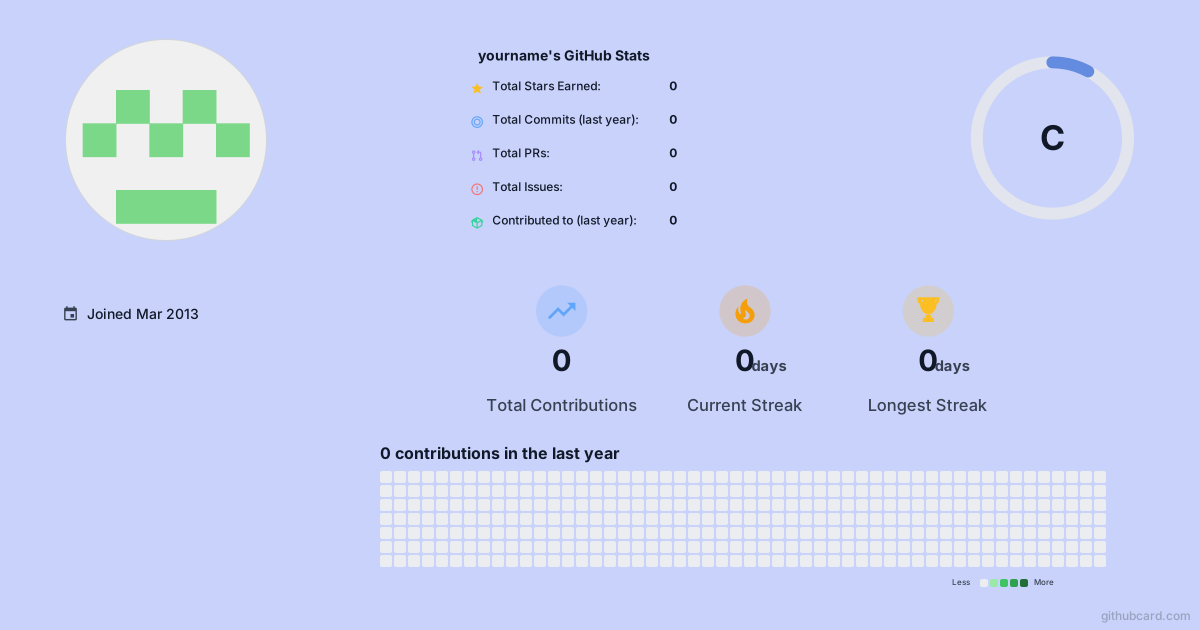Centered with a fixed width
GitHub READMEs accept simple HTML, which is handy for centering a card.
<p align="center">
  <img src="https://githubcard.com/yourname.svg" width="600" alt="GitHub profile card" />
</p>
Card that links to your designer page
Wrap the image in a link so visitors can open the full card.
[](https://githubcard.com/yourname/card)README template questions answered
How do I use a GitHub profile README template?
Enter your GitHub username, open the card editor, and pick a template from the template carousel. Your live GitHub data fills the layout, and you can move or restyle any widget before exporting.
Where does the README snippet go?
Create a public repository named exactly like your username, add a README.md, and paste the Markdown image snippet where you want the card to appear.
Are the templates free?
Every template on this page is marked Free or Pro. Free exports include a small githubcard.com watermark. Pro Lifetime is a one-time $19 payment that removes the watermark and adds premium backgrounds and fonts.
Pick a template. Make it yours.
Enter your GitHub username to open the editor with your live data and the full template carousel.