Shape the profile story first
Decide what your README should communicate before you tune widgets, stats, and export format in the designer.
Read profile README ideasDesign custom profile cards with live GitHub widgets. Add one word to a GitHub URL, open the canvas, then export a card for your README, portfolio, or socials.
GitHubCard starts with public GitHub data and gives you a visual canvas for arranging the pieces that explain who you are.
Design surface
Arrange profile widgets visually instead of stitching badges and URL parameters together by hand.
Data widgets
Bring stats, streaks, languages, repositories, activity, and custom text into one designed card.
Exports
Use crisp SVGs in READMEs, or export fixed PNGs for portfolios, resumes, and social previews.
Use live SVG for GitHub READMEs or fixed PNG when a platform needs a stable image asset.
SVG keeps the card crisp on retina screens and works well in Markdown, documentation, and portfolio pages.
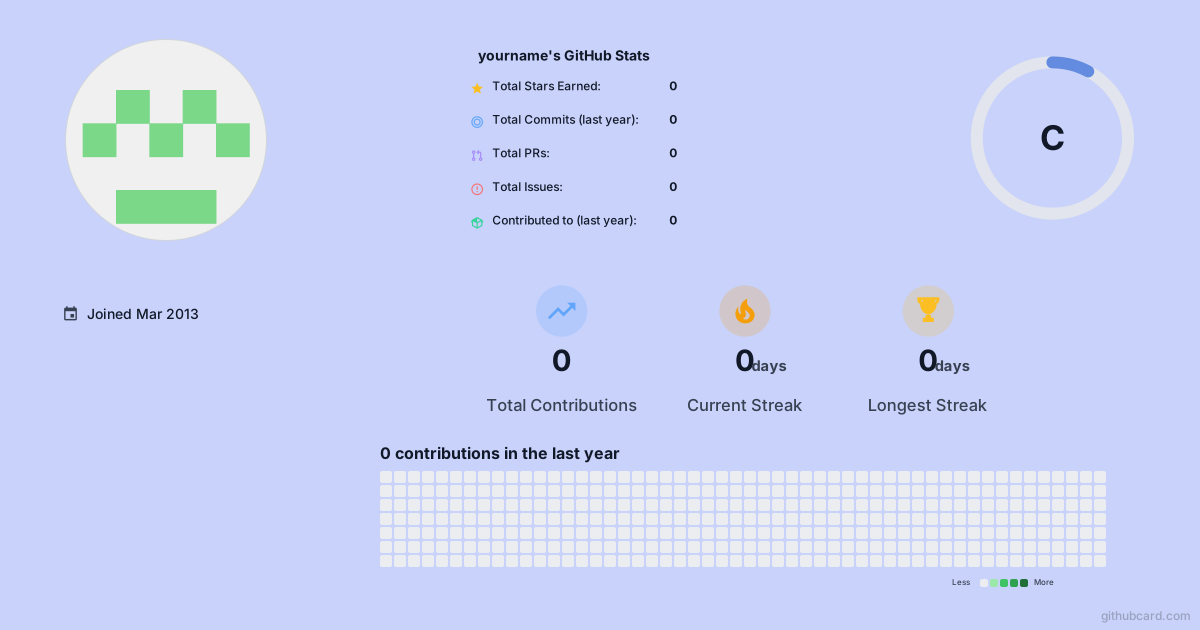Export PNG when you need a fixed image for blog covers, launch posts, resumes, or platforms where SVG previews are unreliable.
Use these guides when you want sharper README positioning or a direct comparison with stats badge tools.
Decide what your README should communicate before you tune widgets, stats, and export format in the designer.
Read profile README ideasCompare stats tools and copy the exact Markdown pattern for README embeds before designing the final card.
Start with a GitHub profile URL, add card after github, or type the username directly.
Choose the widgets that explain who you are: activity, languages, repositories, and custom notes.
Publish or download a card that fits a profile README, personal website, portfolio, or launch post.
Use this GitHub stats card generator to combine GitHub stats, contribution streaks, top languages, profile details, top repositories, activity graphs, custom text, and other visual widgets.
Yes. Export or publish your design, then use the SVG link as a Markdown image in your profile README, project README, portfolio, or blog.
Default card URLs use live GitHub data with caching for performance. Published snapshot links are stable for embeds when you want predictable rendering.
You can preview default cards without signing in. GitHub sign-in is required when you want to save, publish, update, or manage custom designs.
Enter your GitHub username or paste a profile URL, then open the canvas with live data already in place.