 Pro background
React
facebook/react
GitHubCard is a drag-and-drop GitHub profile README generator. Turn your profile into a sharper picture of what you build—and what deserves attention.
In a hand-built profile README, profile stats, top languages, streaks, contributions, activity, and skills can mean six embeds, five services, and dozens of URL parameters. GitHubCard renders the same live data in one design. Your README only needs one link.
@@ -1,29 +1,6 @@# Hi, I'm Alex 👋Full-stack developer building useful products. <!-- Profile and repository stats --> <!-- Top languages --><a href="https://github.com/you?tab=repositories"> <img height="165" src="https://github-readme-stats.vercel.app/api/top-langs?username=you&layout=compact&theme=tokyonight" alt="Top languages" /></a> <!-- Commit streak --><p align="center"> <img width="48%" src="https://streak-stats.demolab.com?user=you&theme=tokyonight&hide_border=true" alt="Commit streak" /></p> <!-- Contribution heatmap (light / dark) --><picture> <source media="(prefers-color-scheme: dark)" srcset="https://ghchart.rshah.org/2f81f7/you" /> <img src="https://ghchart.rshah.org/40c463/you" alt="Contribution heatmap" /></picture> <!-- Activity graph -->[](https://github.com/you) <!-- Tech skills --> ## Featured projects# Hi, I'm Alex 👋Full-stack developer building useful products.  ## Featured projectsGitHub stats cards, contribution heatmaps, commit streaks, language and stack snapshots, top languages cards, top repositories, and star history. Pick the pieces, set them on the canvas, theme them once.


A realistic path from this page to a finished card.
Start from the editor that matches what you are designing — a profile card or a repository card — instead of one generic flow.
Enter a GitHub username or owner/repo, then drag, resize, and layer widgets. Theme everything once so the whole card reads as one piece.
Export an SVG or PNG and drop it into your README, site, docs, or social links. Data stays live; you maintain one callsite.
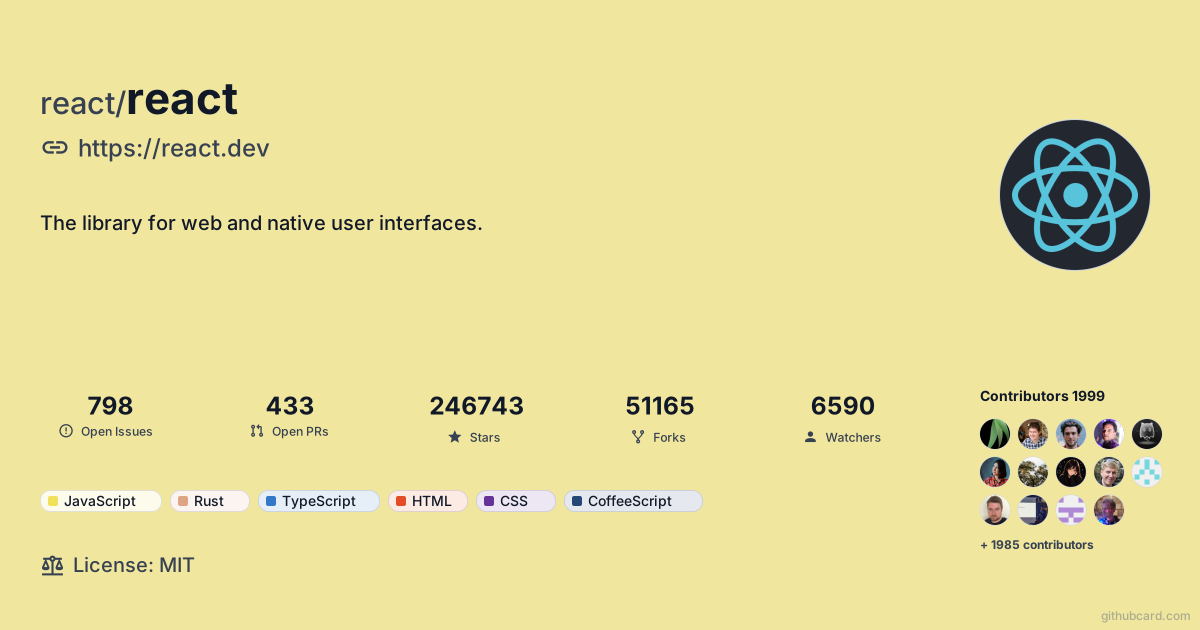
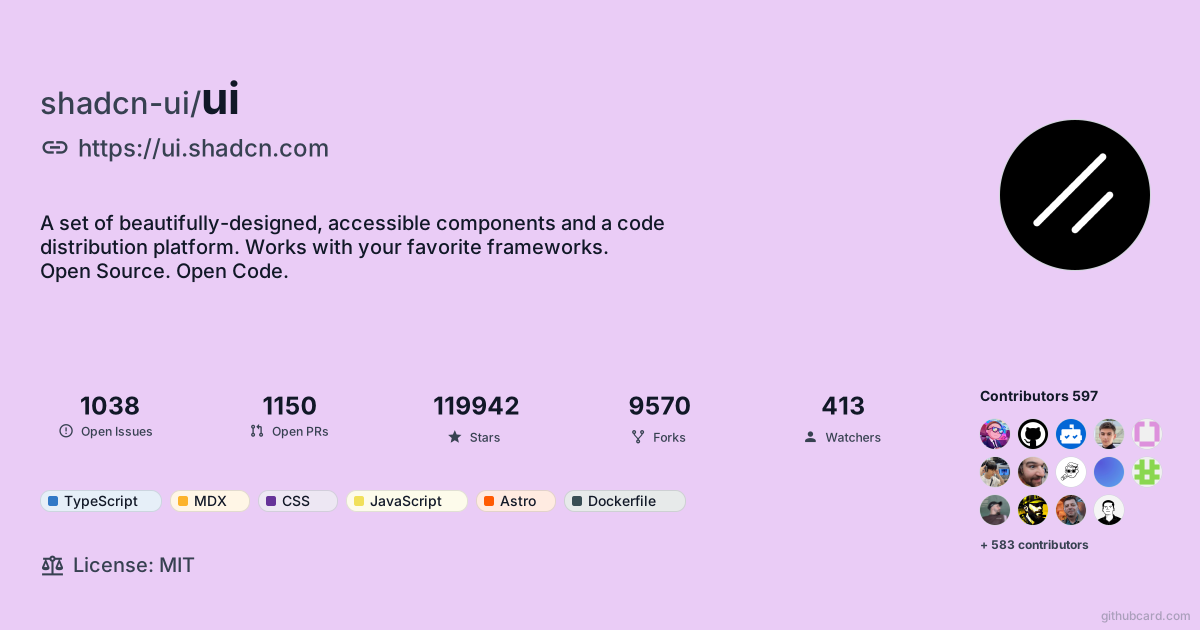
Real GitHubCard outputs for actual public repositories — updated daily, never mocked. Three of them sit on a Pro background.
Pro backgroundfacebook/react
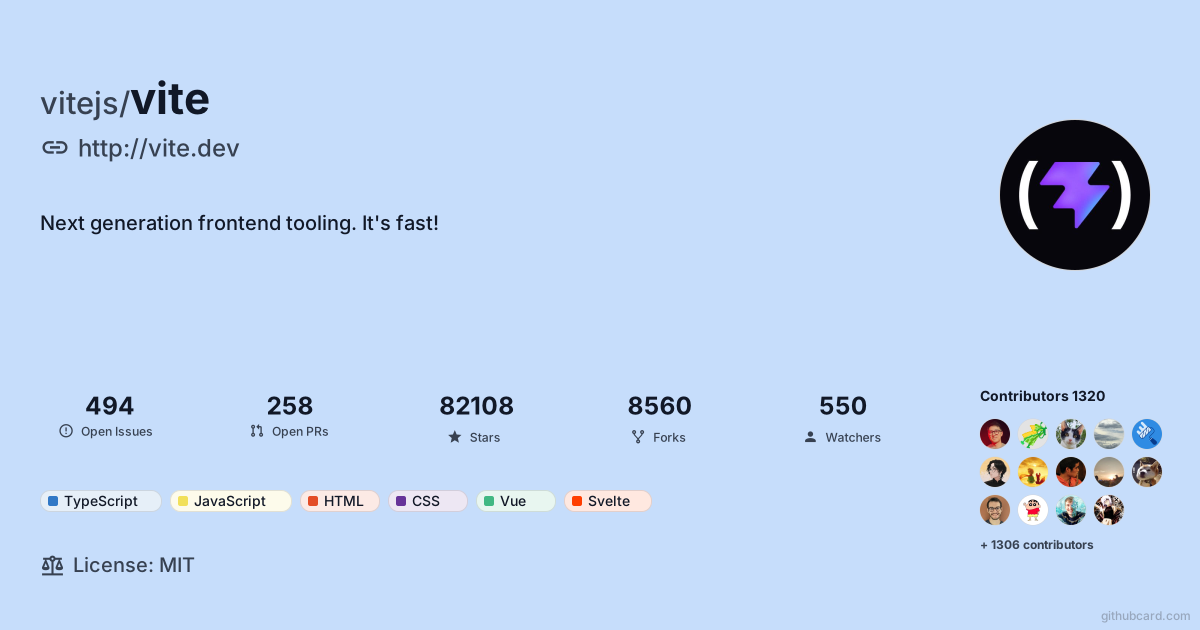
vitejs/vite
 Pro background
shadcn-ui/ui
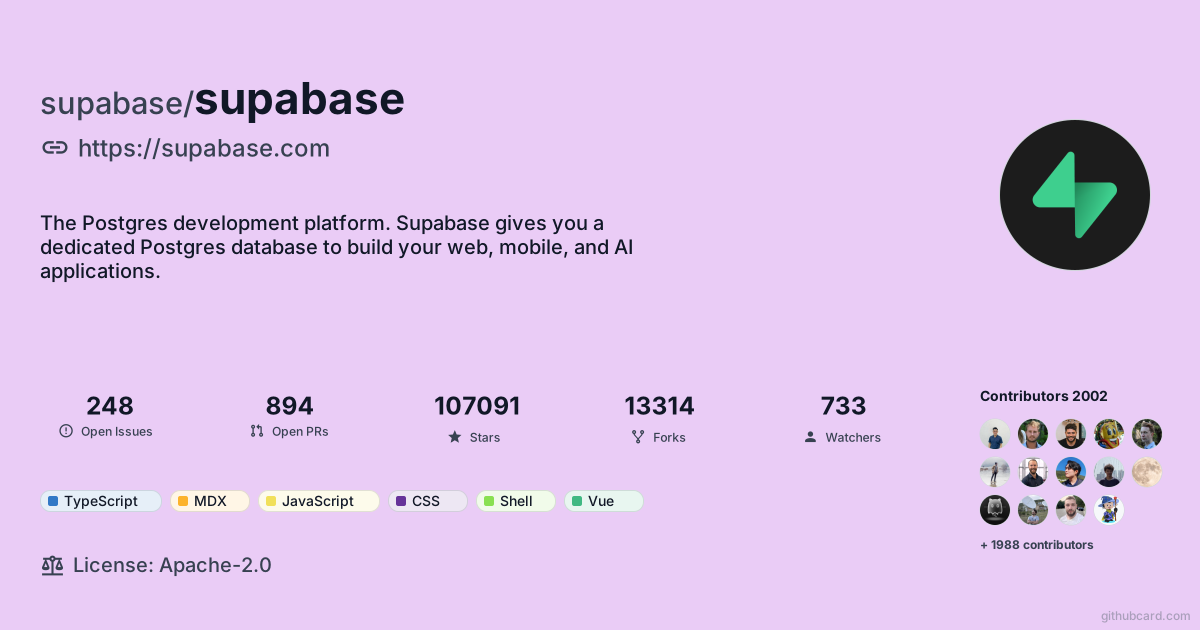
supabase/supabase
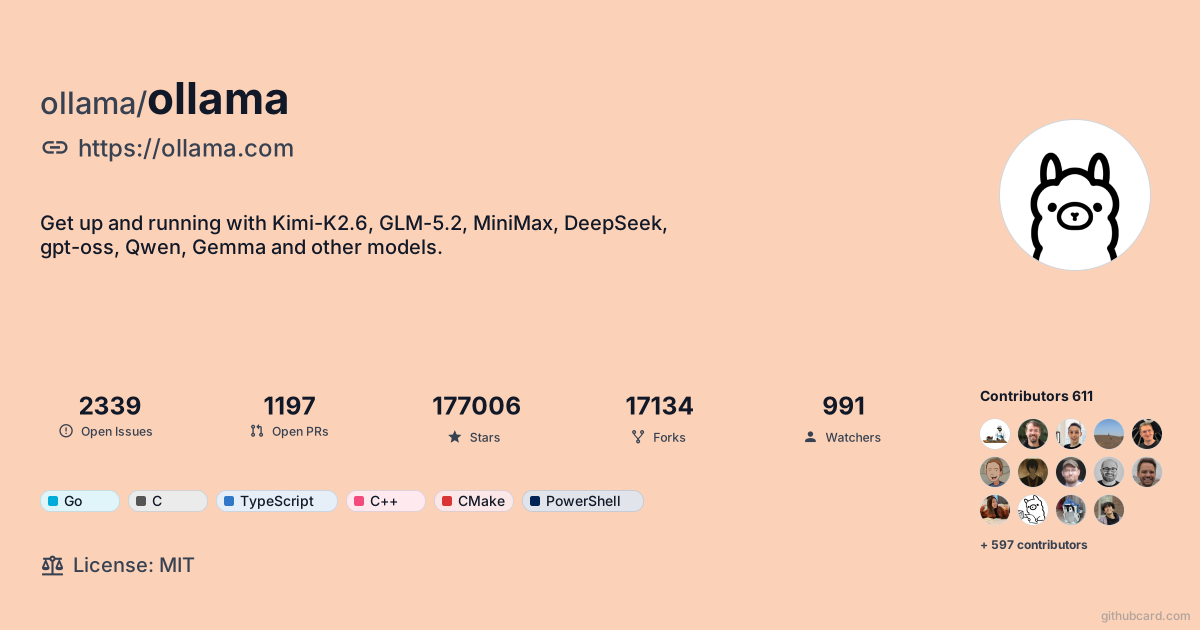
ollama/ollama
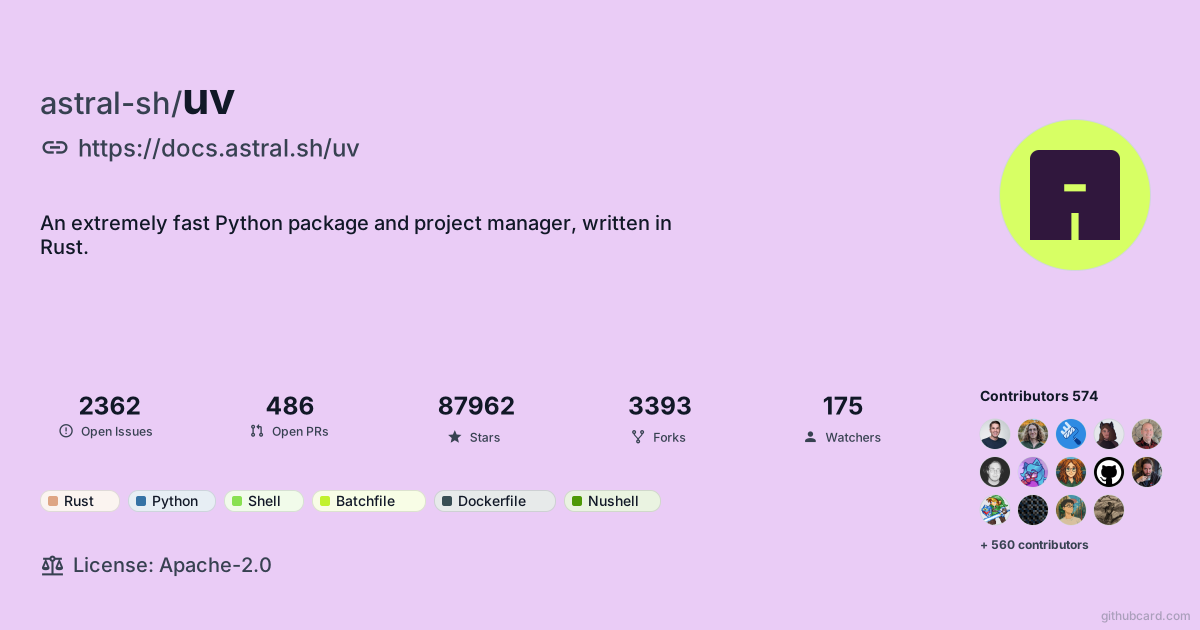 Pro background
astral-sh/uv
Compare the editing workflow, final output, and maintenance cost instead of marketing promises.
GitHubCard keeps this in one canvas, from visual editing to final card.
The result is one cohesive card instead of a row of separate embeds.
Fewer moving parts means fewer tokens, jobs, and manual refresh steps.
This comparison covers tool categories, not specific brands, so the guidance stays fair and maintainable.
Design and preview for free. Pro Lifetime is a one-time $19 for premium backgrounds, premium fonts, watermark-free and 4x exports, and Pro templates — no subscription.
One-time payment · No subscription · 7-day money-back guarantee. See full pricing
GitHubCard is a visual GitHub profile README generator that transforms your GitHub data into beautiful, shareable cards. Design custom profile and repo cards with our canvas editor, then embed them in your README, portfolio, or share on social media.
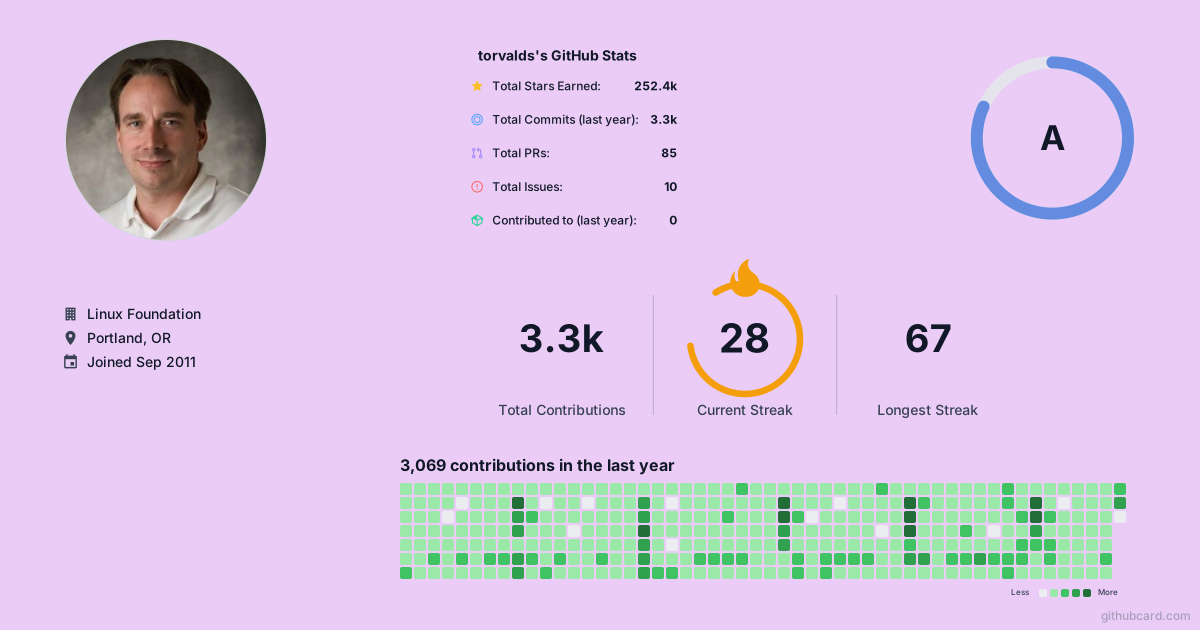
Just replace github.com with githubcard.com in any profile or repo URL. For example: githubcard.com/torvalds or githubcard.com/facebook/react. You can also use our canvas editor to create fully customized designs.
You can view and generate default cards without signing in. However, signing in with GitHub is required to save, update, or delete your custom designs—this ensures your designs are securely linked to your GitHub identity.
Copy the SVG URL (e.g., githubcard.com/username.svg) and add it as an image in your Markdown file. The card will display with live data from GitHub.
Create a repository that matches your GitHub username, then add a README.md file. GitHub shows that README on your public profile when the repository is public and named correctly.
GitHub profile README guideYes, cards display real-time GitHub data. We cache data for optimal performance, so updates may take up to an hour to reflect.
Yes! Use our canvas editor to drag and drop 20+ data widgets, adjust layouts, and create unique designs. Export as SVG or PNG.
Yes, all core features are completely free. Pro Lifetime is a one-time $19 payment (no subscription) for premium backgrounds, premium fonts, watermark-free and high-resolution (4x) exports, and Pro templates.
Open the canvas, drop in your GitHub data, and ship one card you actually want to show.